How UniFi Captive Portal Works: Technical Deep Dive (2026)
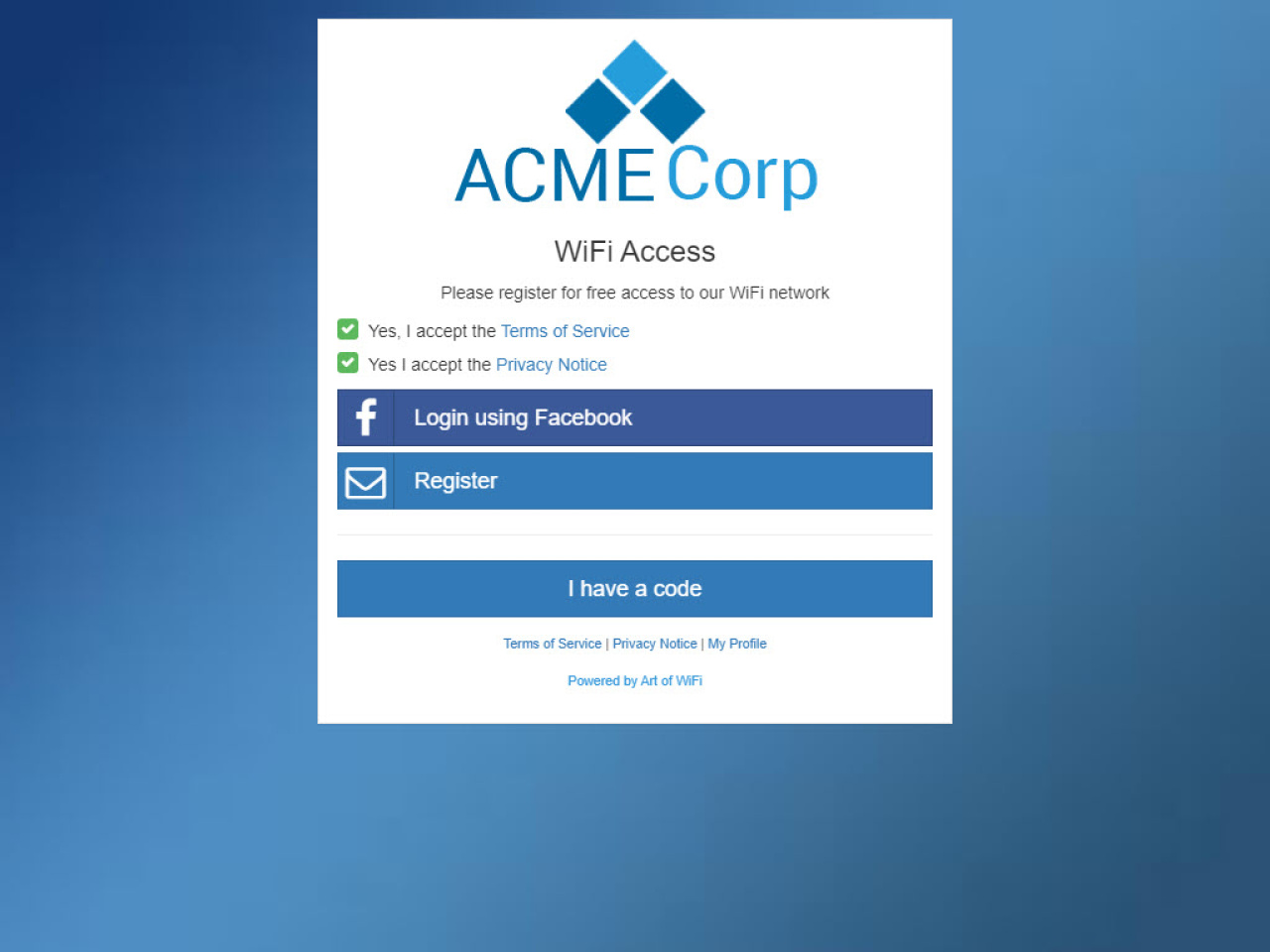
A captive portal is a web page that intercepts a guest's first connection to your WiFi network and requires some form of interaction, such as accepting terms of service, entering credentials, or registering with an email address, before granting internet access. In the UniFi ecosystem, captive portals are tightly integrated with the UniFi Network Application (formerly known as the UniFi Controller) and provide a powerful way to manage guest access.
How UniFi Captive Portal Works Under the Hood
When you enable a captive portal (also called a Guest Hotspot) on a UniFi SSID, a chain of events happens behind the scenes. Understanding this flow is important if you want to set up an external captive portal or troubleshoot issues.
1. Guest Connects to the WiFi Network
When a guest device connects to a UniFi SSID that has the Guest Hotspot enabled, the device receives an IP address via DHCP as usual. However, the device is placed in a "Pending" state. In this state, the device can only communicate with the captive portal itself; it cannot access the internet.
2. DNS Interception
The UniFi Access Point runs a local DNSmasq process that intercepts all DNS queries from pending clients. Regardless of what DNS server the client is configured to use, the AP redirects DNS traffic to itself. This ensures the AP has full control over name resolution for unauthenticated guests.
3. HTTP Redirect (The Redirector)
The AP also runs a lightweight HTTP server called the redirector on port 80. When a pending client makes any HTTP request, the redirector responds with a 302 redirect that sends the browser to the captive portal splash page. This is the mechanism that triggers the familiar "Sign in to WiFi" popup on mobile devices.
4. Guest Interacts with the Splash Page
The splash page can be either the built-in UniFi portal or an external portal server. The guest interacts with this page by accepting terms, entering a password, logging in via social media, or completing whatever authentication method has been configured.
5. Authorization via the UniFi API
Once the guest has completed authentication, the portal sends an API call to the UniFi Network Application to authorize the device. This call includes the guest's MAC address and optionally the duration of access, bandwidth limits, and data quotas. The controller then pushes this authorization to the Access Point, which moves the device from "Pending" to "Authorized", granting internet access.
The Walled Garden (Pre-Authorization Access)
Before a guest is authorized, they can only access destinations that are explicitly whitelisted. This whitelist is called the walled garden or pre-authorization access list. It ensures that the captive portal page itself, and any resources it needs (such as CSS, JavaScript, images, or third-party OAuth providers), are reachable by the guest before authentication.
Common entries in the walled garden include:
The external portal server's domain or IP address
OAuth providers (Facebook, Google, Microsoft login endpoints)
Payment gateways (e.g. Stripe) for paid WiFi
Built-In vs. External Captive Portal
The UniFi Network Application includes a built-in captive portal with basic customization options (logo, colors, welcome text) and a few access methods (simple password, vouchers, Stripe-based paid access). While this works for basic scenarios, businesses often need more:
Email and data capture for marketing and CRM integration
Social login (Facebook, Instagram, Azure Entra ID)
SMS verification with one-time passwords
PMS integration for hotels (Mews, Apaleo)
Paid access with flexible pass types and Stripe payment processing
Detailed analytics and scheduled reports
Full white-labeling with custom branding per site
This is where an external captive portal comes in. An external portal is a separate web application that replaces the built-in splash page. When configured, the UniFi controller redirects guests to the external portal URL instead of the built-in page.
How to Set Up an External Captive Portal on UniFi
Setting up an external captive portal involves these key steps:
Note: If you use Art of WiFi's captive portal, you don't need to configure any of this manually. Our portal applies all necessary changes to your UniFi controller automatically when you are ready to go live.
Step 1: Configure the Guest Hotspot
In the UniFi Network Application, navigate to Settings → WiFi, select or create your guest SSID, and enable the Guest Hotspot toggle. Then set the authentication type to "External Portal Server" and enter the URL of your external portal.
Step 2: Configure the Walled Garden
Add your external portal's domain to the pre-authorization access list (walled garden). If your portal uses third-party services like Facebook Login or Stripe, add those domains as well.
Step 3: Set Up API Access
Your external portal needs API access to the UniFi Network Application to authorize guests. This can be done using the legacy API (using local admin credentials) or the newer official UniFi Network Application API (using API keys). We recommend using a dedicated local admin account for API access.
Step 4: Handle the Redirect Parameters
When the UniFi controller redirects a guest to your external portal, it appends query parameters to the URL including the guest's MAC address, the AP MAC address, and the site name. Your portal must capture these parameters and use them to authorize the guest via the API after authentication.
Troubleshooting Common Issues
If your captive portal is not working as expected, check these common issues:
Portal not appearing: Ensure the Guest Hotspot is enabled on the correct SSID and that the SSID is using a separate VLAN or guest network. Modern devices often use HTTPS for connectivity checks, which the redirector cannot intercept, so ensure the guest network's DNS is working correctly.
External portal not loading: Verify that the portal's domain and IP address are both added to the walled garden. Check that the portal URL is correct and accessible.
Authorization fails: Check API credentials and ensure the portal is connecting to the correct UniFi Network Application URL and site. Verify that the local admin account has the necessary permissions.
Guests disconnecting: Review the authorization duration settings. By default, UniFi may expire guest sessions after a set period. Ensure your portal sends appropriate session duration parameters in the authorization API call.
Social login not working: OAuth providers like Facebook and Microsoft require their domains to be in the walled garden. Add the relevant OAuth endpoint domains to the pre-authorization access list. Art of WiFi's captive portal helps identify and automatically apply the correct IP addresses, subnets, and hostnames for all major providers.
Compatibility Across UniFi Hardware
The captive portal feature works across all modern UniFi hardware, including:
UniFi Dream Machine (UDM, UDM Pro, UDM SE) — runs the Network Application on-device
UniFi Cloud Gateway (UCG Ultra, UCG-Max) — latest generation gateways
Self-hosted UniFi Network Application — running on Linux, Windows, or in a Docker container
UniFi Cloud Key (Gen2, Gen2 Plus) — dedicated hardware controller
Ready to Set Up Your Own UniFi Captive Portal?
If you want to go beyond the built-in UniFi portal and create a professional captive portal with email capture, social login, paid access, or hotel PMS integration, explore our captive portal solutions. We offer both self-hosted software and a fully managed service (CPaaS) designed specifically for UniFi networks.
Contact us to discuss your requirements and we'll help you choose the best option for your use case.
See our detailed feature comparison of built-in vs external UniFi captive portals to understand exactly what you gain with an external portal.
Frequently Asked Questions
Does UniFi captive portal work with all UniFi hardware?
Yes. Captive portals work with all modern UniFi hardware including UDM, UDM Pro, UDM SE, UCG Ultra, UCG-Max, Cloud Keys, and self-hosted Network Application installations.
What is the difference between the built-in and external captive portal?
The built-in portal is a simple page hosted by the UniFi Network Application with limited customization. An external portal is a separate web application that provides advanced features such as email capture, social login, SMS verification, PMS integration, paid access, and detailed analytics.
Why is my UniFi captive portal not showing up?
The most common causes are: the Guest Hotspot is not enabled on the SSID, DNS interception is failing (check that the guest network VLAN is properly configured), or the device is using cached network credentials from a previous connection. Try forgetting the network and reconnecting.
Can I use an external captive portal with UniFi Dream Machine?
Yes. All UniFi OS consoles (UDM, UDM Pro, UDM SE, UCG Ultra, UCG-Max) support external captive portals. Configure the portal URL in Settings → WiFi → Guest Hotspot → External Portal Server.
What is a walled garden in UniFi?
A walled garden (or pre-authorization access list) is a set of domains or IP addresses that guests can access before they authenticate. This allows the captive portal page, OAuth login providers, payment gateways, and other required services to load correctly for unauthenticated guests.
How does the guest authorization API work?
After the guest completes authentication on the splash page, the external portal sends an API call to the UniFi Network Application containing the guest's MAC address and optional parameters like session duration and bandwidth limits. The controller then authorizes the device on the Access Point, granting internet access.
Posted on: March 9th, 2026
By: Erik Slooff
On: Captive Portals
UniFi
Captive portal
Guest WiFi
External portal
Technical guide
About the author

Erik Slooff
Owner & Lead Developer
For more than 10 years I’ve specialised in UniFi® guest-WiFi solutions—ranging from email-capture and SMS phone-number verification to Azure Entra ID single-sign-on and multi-site analytics dashboards. Posting as @slooffmaster in the Ubiquiti Community, I’ve contributed 160 + posts, 8300 + replies and 300 + accepted solutions that help network admins worldwide. Today our solutions secure and provide analytics for 2500 + UniFi networks across retail, hospitality, government and education in 70 + countries. Customers use our solutions to authenticate users, meet regional privacy requirements (GDPR, CCPA, etc.) and unlock marketing or loyalty insights, and more. When I’m not refining captive-portal flows, you’ll find me benchmarking new UniFi firmware or contributing to our open-source code on GitHub.